


A lab notebook that knows your design
Every bring-up note in NetTrace is tied to real nets, parts and pins. Click a note and the spot lights up in the schematic and on the board, then export the whole bring-up as a PDF report.
Create a free account▶ Watch the 90-second demoSign in
Free for teams of any size · Runs in your browser · Your designs are never uploaded
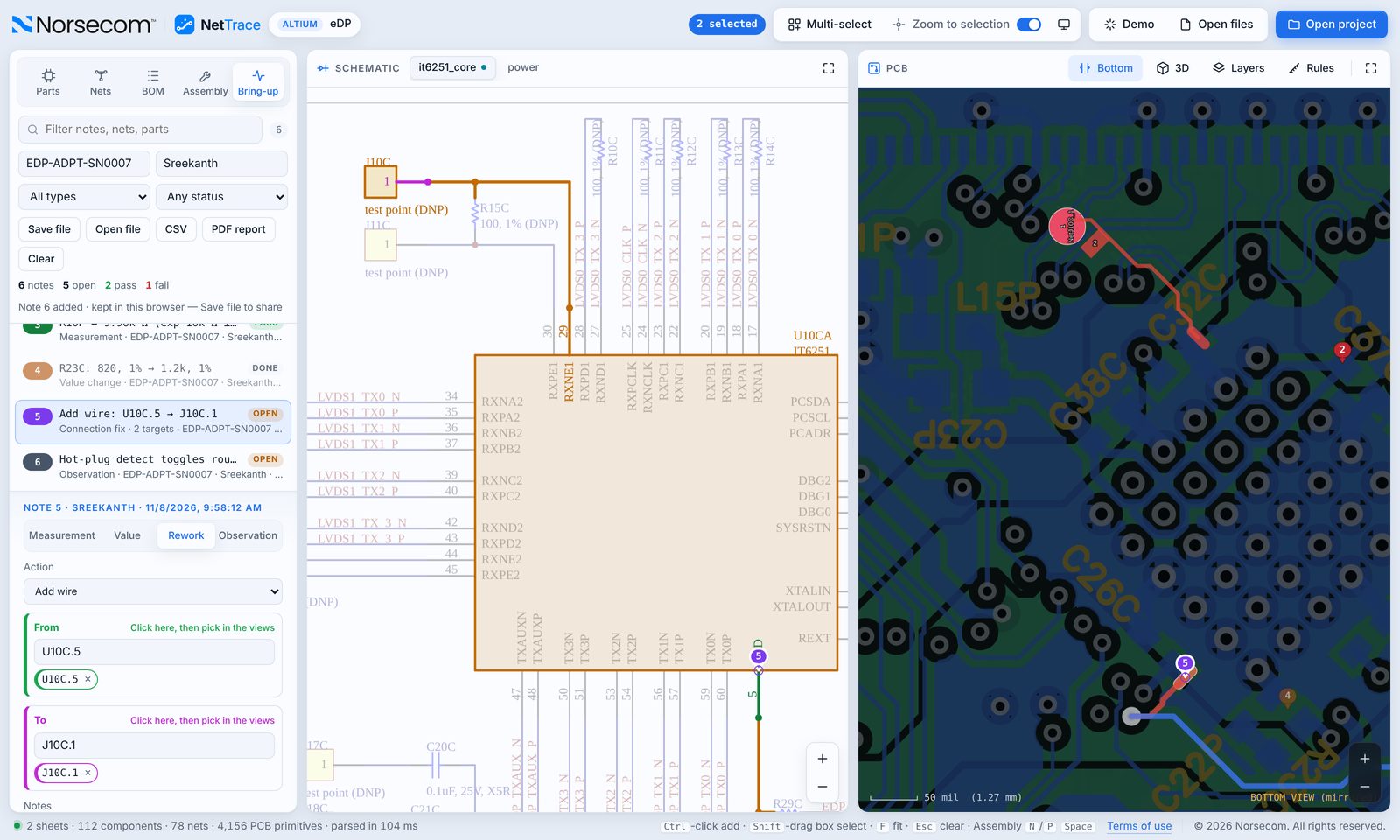
Measurements with pass / fail
Measured, expected and tolerance, with the result worked out for you.
Value changes and rework
Record what changed and why, with From and To highlighting for wires, cuts and lifted pins.
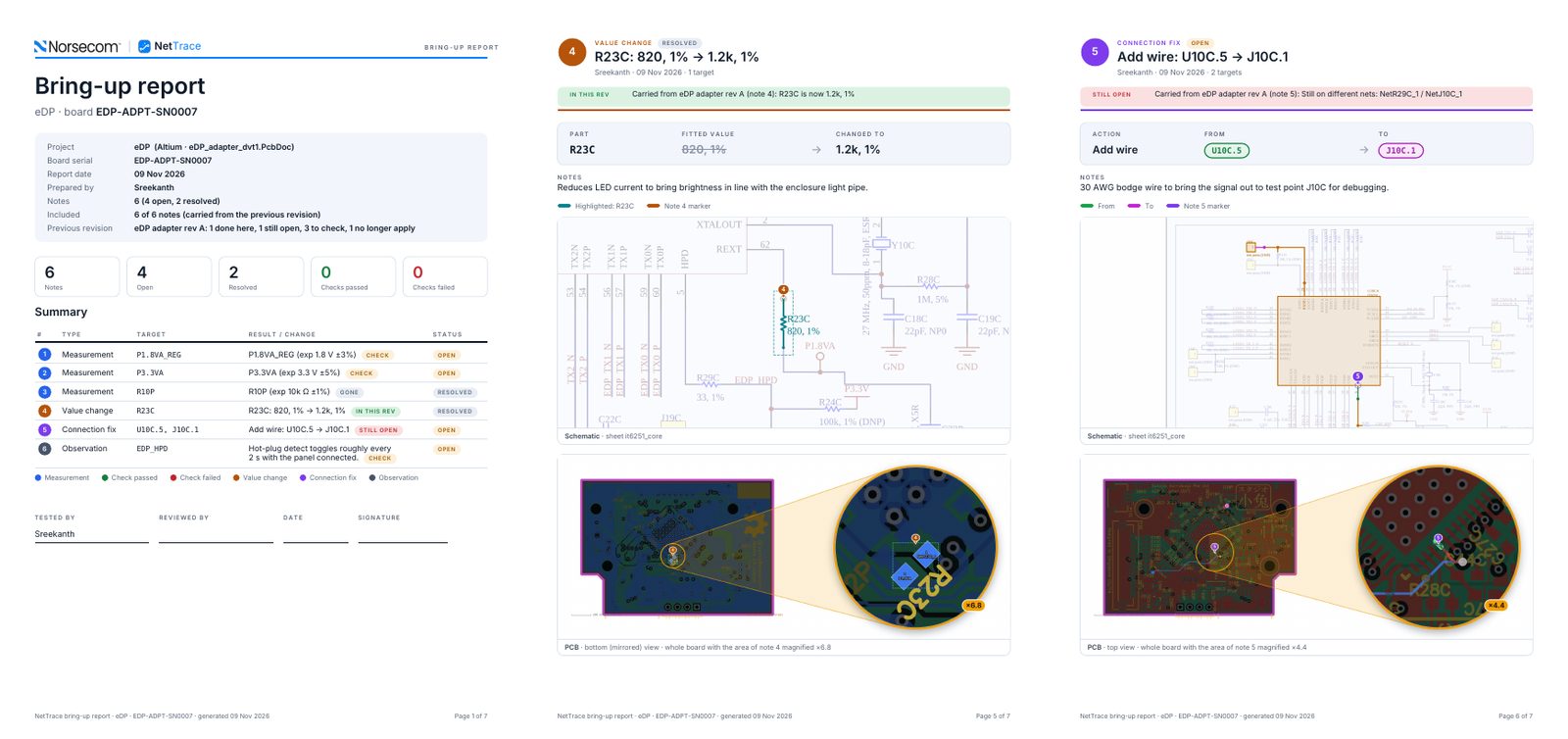
One-click PDF report
A cover with the summary, then a page per note with the schematic and a whole-board view with a magnifier on the exact spot.
Carry it into rev B
Open the previous revision’s log on the new design and every note is checked: done, still open, to check, or no longer applies.
Files it opens
- Works with Altium, KiCad and OrCAD / Allegro designs
- Share notes as a file, CSV or PDF
How it works
- Create a free account at nettrace.org.
- Open your project: pick the project folder or drop the files on the window.
- Trace, assemble and bring up your board, and export a PDF report when you are done.
Questions
Can several engineers share one bring-up log?
Yes. Save the notes as a file; when a colleague opens it, their notes and yours are merged.
Can the bring-up log follow the board to the next revision?
Yes. Use “Previous rev…” on the new design: value changes and rework are checked against it automatically, and the reasoning behind each change travels with the note.
Is the bring-up assistant free?
Yes, like the rest of NetTrace. The bring-up assistant is patent pending.
Try NetTrace on your own design
Altium, KiCad 6–9 and Cadence OrCAD / Allegro, in one viewer. More ECAD tools are coming soon.
Open NetTrace free