


OrCAD and Allegro viewer, in your browser
Open a Cadence OrCAD Capture design and its Allegro board side by side, without a Cadence licence. Trace nets, parts and pins between the two and take the design into the lab.
Create a free account▶ Watch the 90-second demoSign in
Free for teams of any size · Runs in your browser · Your designs are never uploaded
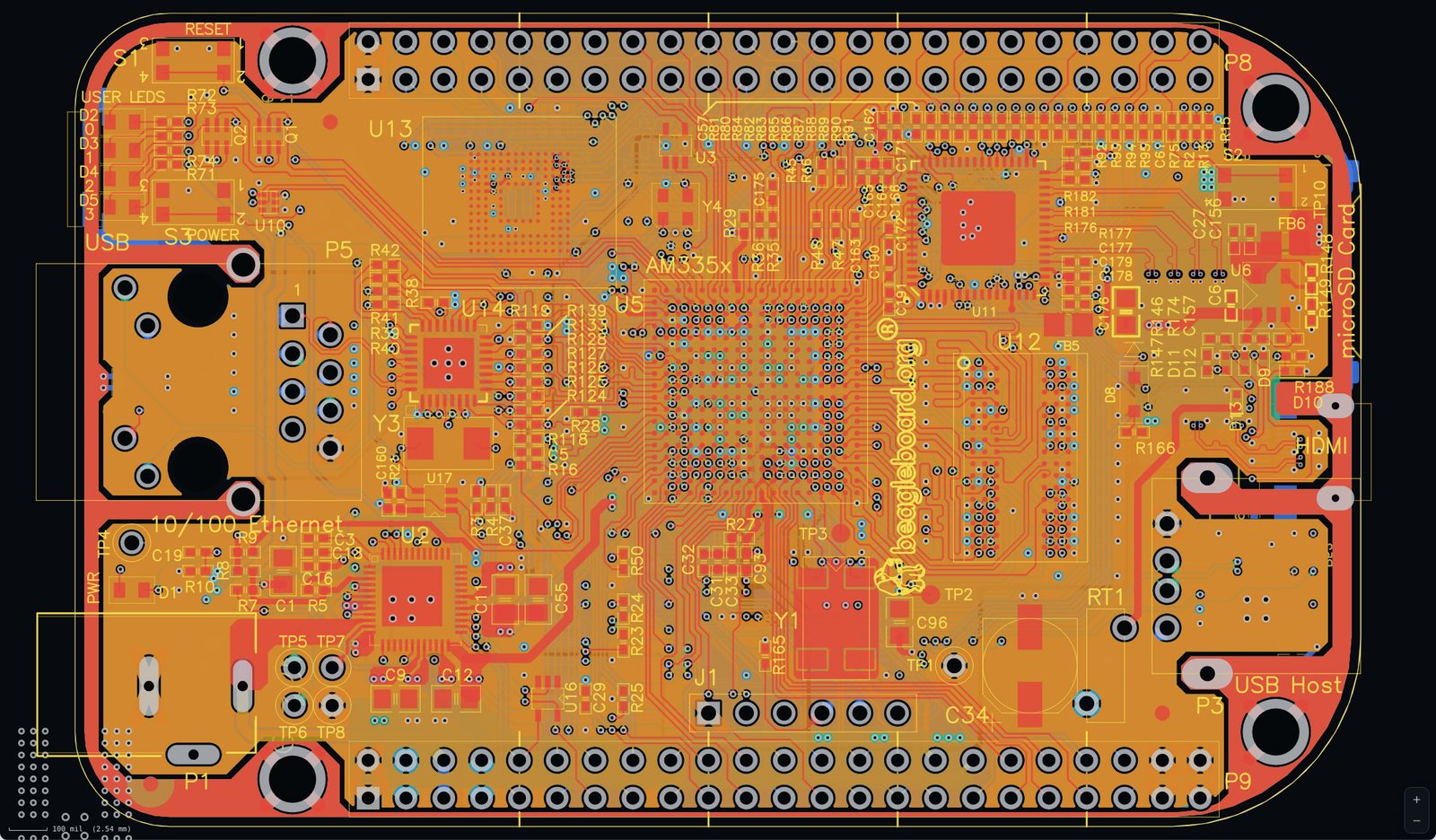
Native Cadence files
Opens OrCAD Capture .DSN designs and Allegro PCB Editor .brd boards directly. No export or netlist step needed.
Schematic ↔ board cross-probing
Nets, parts and pins are linked between the Capture schematic and the Allegro layout.
Faithful sheets
Title blocks, pictures, line colours and widths and fonts are drawn as in Capture.
Bring-up ready
Log measurements and rework against real nets and pins, and export a PDF bring-up report.
Files it opens
- .DSN OrCAD Capture design (Capture 16 or later)
- .brd Allegro PCB Editor board
- .opj project (optional)
How it works
- Create a free account at nettrace.org.
- Open your project: pick the project folder or drop the files on the window.
- Trace, assemble and bring up your board, and export a PDF report when you are done.
Questions
Do I need a Cadence licence?
No. NetTrace reads the .DSN and .brd files itself, in your browser.
Which OrCAD designs open?
Designs saved in OrCAD Capture 16 or later. Older Capture 10.x files need to be re-saved in a newer version.
Is NetTrace made by Cadence?
No. NetTrace is an independent tool by Norsecom. Cadence, OrCAD and Allegro are trademarks of Cadence Design Systems, Inc.
Try NetTrace on your own design
Altium, KiCad 6–9 and Cadence OrCAD / Allegro, in one viewer. More ECAD tools are coming soon.
Open NetTrace free